What players mean by Verity
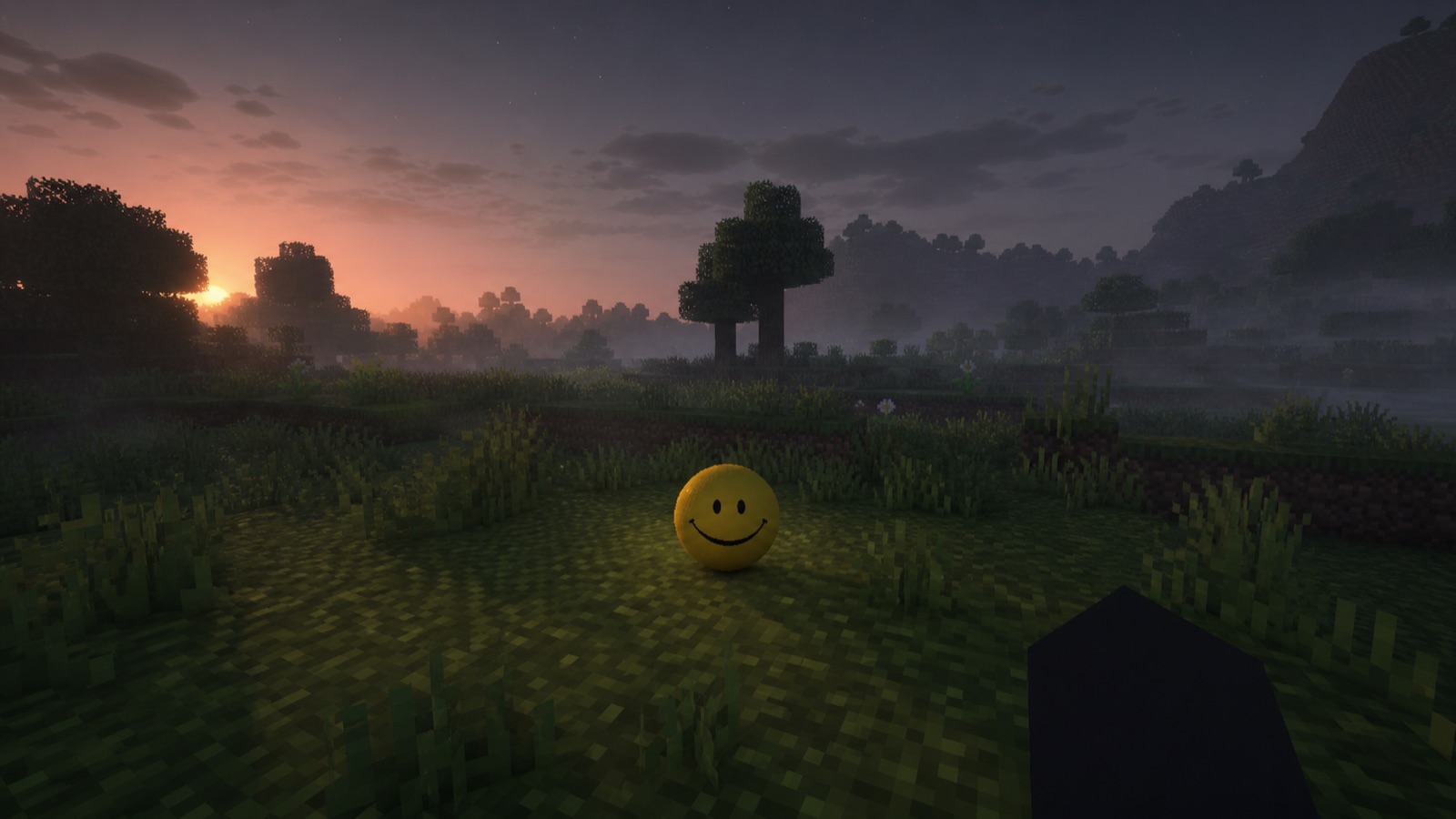
The verity mod is a Minecraft Java horror experience built around a small yellow assistant that appears helpful before the atmosphere becomes less comfortable. The maintained Verity JE project describes an AI-powered companion, an animated box, a demon form, and environmental changes such as extreme darkness. That combination explains the appeal: the player is not simply chased by a new mob, but is asked to trust a character whose behavior can turn threatening.
Search results mix the original video concept, Java releases, Bedrock add-ons, fan recreations, and unrelated downloads. For that reason, a name or thumbnail is not enough to identify the verity mod. The clearest Java reference points are the Verity JE pages maintained by VarmiteYT on Modrinth and CurseForge. The CurseForge description says this adaptation was created with ThatMob's permission, while the Modrinth listing supplies the current Java compatibility data.
Check the edition, version, and loader first
At the time of writing, the Modrinth listing identifies Minecraft Java Edition 1.20.1, Forge, and a client-and-server environment. CurseForge also displays a NeoForge 1.21.1 branch, but the maintainer explicitly warns that branch is deprecated and has many bugs. A careful verity mod setup therefore begins with the current project page, not with the assumption that a newer Minecraft number is automatically the better choice.
Create a separate launcher profile for the exact game version and loader shown beside the file you select. Launch that empty profile once before adding anything. Then add only the release and dependencies named on its current file page. This simple sequence separates loader problems from verity mod problems, protects an established modpack from accidental changes, and gives you a clean log if the game stops during startup.
Choose an AI connection without exposing secrets
Verity JE's maintainer says the companion can use Groq and can also run locally with Ollama. Those are two different setup paths, so choose one for the first test. If you use Groq, create the key in the Groq console and enter it only where the maintainer's current setup tutorial instructs. Never paste a key into a download website, comment, screenshot, public crash report, or shared configuration file.
A verity mod entity can load even when its conversational connection is incomplete. If the character appears but does not answer, confirm the selected provider, network access, microphone choice, and the first relevant error in the game log. For the local route, confirm Ollama itself is running and that the chosen model is available before blaming Minecraft. The project says AI text supports multiple languages, while speech-to-text and text-to-speech were tested only in English.
Build a safe first-play routine
Back up any world you value and use a disposable test world for the first launch. Stay in single-player until the companion, audio, and AI provider work together. Because the project metadata marks the verity mod for both client and server, a multiplayer host should confirm the same Minecraft version, loader, mod release, and required dependencies on every relevant installation before inviting players.
Treat unexpected EXE files, password-protected archives, link shorteners, and repacked ZIP downloads as warning signs. A normal Java release is selected from the maintainer's project page, where its loader and game version can be checked before download. No third-party guide can promise that any file is risk-free, but using the maintained listing, scanning downloads, keeping backups, and refusing unknown mirrors greatly reduces avoidable risk.
Decide whether this kind of horror fits you
The verity mod is best for players who enjoy tension created by an apparently friendly presence, dialogue, darkness, and a possible transformation rather than a constant sequence of random monsters. Start without spoilers if discovery matters to you, but discuss intensity and voice features before multiplayer. Players sensitive to darkness, pursuit, or sudden audio should watch the maintainer's trailer first and adjust their session length.
The most reliable habit is to recheck the maintained page whenever you return. Versions, dependencies, warnings, and setup videos can change. This guide deliberately avoids freezing a download button or promising support beyond what those pages currently state. Use it as a decision checklist, then let the Verity JE publisher page remain the source of truth for the actual verity mod file.
How to evaluate new claims
When a post promises a special verity minecraft build, check whether its destination is the maintainer's Modrinth or CurseForge project. Match the creator, edition, game version, loader, and release notes. A Java mod normally arrives as a JAR selected for a loader profile; a Bedrock MCADDON belongs to a separate ecosystem. An EXE, passworded ZIP, or shortened mystery link needs independent verification and should not be treated as the known Java project.
Finally, separate confirmed facts from community interpretation. Project pages can confirm compatibility and listed features. Videos can demonstrate a creator's intended mood. Player reports can reveal experiences, but may involve edits, different builds, or other mods. Keeping those evidence levels separate makes verity minecraft easier to understand and protects the mystery without turning marketing language into technical promises.